App in development · early access on iOS and Android
Fix tech neck. Your phone camera is the coach.
Hours at a screen curl you into a shrimp. Prop up your phone and follow 5-minute wall and floor routines for your neck and upper back. The camera counts every rep, checks that you did it right and corrects your form live. No wearable, no uploads.
- Camera rep counting
- Form checked on every rep
- Weekly posture check
- 100% on-device
Coming toiPhoneAndroid·3D scan on iPhone Pro first
Set up
Side view · 2 m away
Demo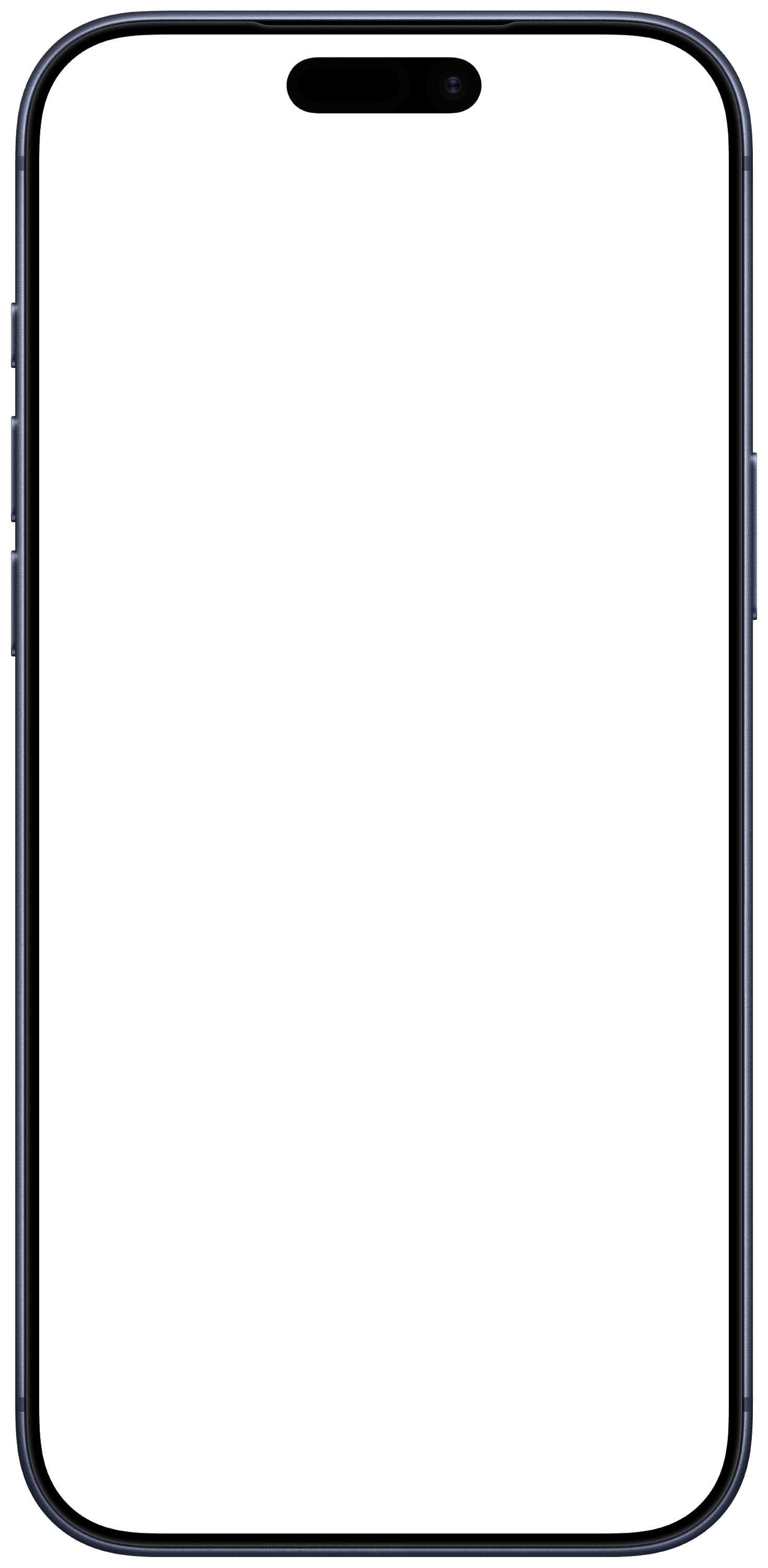
Simulated preview · example data, not measured results
How it works
Three steps. Zero hardware.
Everything happens between you, a wall and the phone you already own.
- 01
Prop up your phone
Lean it against a wall or a stack of books, step back about two metres, and the camera finds you. No mount, no wearable.
- 02
Follow a 5-minute routine
Chin tucks, wall angels, neck rotations and more, guided on screen and, if you like, by voice so you never have to look down.
- 03
Every rep is checked
Reps are counted from your actual movement, and only when they are done right. Shoulders creeping up or a shallow tuck gets a live cue instead of a tick.
The shrimp scale
Which shrimp are you right now?
Shrimping is the internet's word for the curl a screen puts into your neck. The weekly check puts a number on it; the routines give you something to do about it.
 Level 1
Unhunched
Screen at eye level, shoulders down, chin where it belongs. Rare after 2 pm.
 Level 2
Prawn
Chin leads, phone at chest height. The resting state of every group chat.
 Level 3
Full shrimp
Laptop 40 cm below your eyes, neck on a long-term loan to the screen. The 4 pm meeting.
The 5-second shrimp test
Don't move. Where is your phone right now? Below your chin: that's a shrimp. Lift it to eye level and feel your neck say thank you. The app is planned to make that check a 30-second number every week.
What you get
A coach that can actually see you.
Instead of a video you follow along with, Unhunch watches your movement and responds to it, so every session counts.
Camera rep counting
Every chin tuck, wall angel and rotation is counted from the camera feed. Nothing to tap mid-set, nothing to strap on.
Form checked on every rep
A rep only counts when it is done correctly. If your shoulders creep up or the tuck is too shallow, you get a live cue and redo it, so sloppy reps don't pad your numbers.
Weekly posture check
A guided 30-second side-profile check measures forward head position and shoulder alignment, so you can compare week to week.
Progress you can see
Range of motion, posture score and a quick “how do you feel” after each session, charted over weeks and months.
Built for the habit
Short daily sessions, gentle reminders at the times you pick, and routines that get a little harder as you do.
100% on-device
Video never leaves your phone. Pose tracking runs locally and we never see your camera, only the numbers you choose to keep.
The routines
Made for people who sit all day.
Short, equipment-free movements for the neck and upper back, done against a wall or on the floor. Pick a 5, 8 or 12-minute session and the camera takes care of the counting.
- 2′Reps + range
Chin tucks
Wall
- 3′Reps + arm path
Wall angels
Wall
- 2′Range left/right
Neck rotations
Seated or standing
- 2′Reps + hold time
Scapular squeezes
Wall
- 2′Reps + depth
Thoracic extension
Floor
- 1′Hold time
Upper-trap stretch
Seated
- 1′Hold time
Doorway pec stretch
Doorway
Form check · in development
Every rep, seen.
Each exercise gets its own form rules. The planned camera check follows the joints that matter, counts a rep when the movement reaches the target, and says when it does not. Below: a simulated preview with example data.
Chin tucks
Side view · wall
Rep
3 / 10
Head travel
2 cm
Simulated preview · example data, not measured results
Forward head
12°
−3° vs last week
Shoulder tilt
2°
Same as last week
Posture check
A posture check you'll actually repeat.
Tech neck creeps in over months. A weekly 30-second check turns it into a number you can track week to week.
- 1
Stand side-on for 30 seconds
The app guides you into frame and takes the measurement when you are still.
- 2
Measured in degrees, not vibes
Forward head position and shoulder alignment are read from your joint positions.
- 3
Compared with you, not a textbook
Progress is week over week against your own baseline. No shame scores.
Coming on iPhone Pro
3D posture scan with Apple AR
On iPhone Pro models with a LiDAR sensor, the weekly check adds a depth scan through Apple's AR framework: head and shoulder position measured in three dimensions, not read off a flat image. Planned for the iPhone beta; the camera check is planned for iPhone and Android.
Before and after
What the check sees.
A side view, a line from shoulder to ear, one angle. Hunched, the head sits in front of the shoulders. Unhunched, it sits above them. These are the two postures the planned weekly check is built to tell apart.
- Same figure, same wall. Only the posture changes, so the line and the angle are the whole story.
- One number per week. The planned check reads this angle from your joint positions and compares it with your own earlier checks.
- No shame scores. The scale is yours: progress is measured against your own earlier checks, not a textbook figure.
Forward head
29°
Forward head
5°
Illustration of the two postures the planned weekly check compares · example angles, not a user result
Who it's for
If a screen owns your day, this is for you.
Desk workers
Eight hours of monitor, then a phone on the commute. Five minutes a day, between screens.
Remote workers
Kitchen-table setups and laptop screens pull your head forward. Routines fit between calls.
College students
Long reading and lecture days, cheap chairs. Build the habit early.
Gamers
Hours locked on a monitor with a forward lean. Stretch between matches without leaving the room.
Teams and workplace health
Planning a rollout for your company? Join the list with your work email and we'll reach out about team access.
Privacy
Your camera stays yours.
By design, pose detection runs on your phone. No video is uploaded, stored or seen by us. Only the numbers from a session are kept: reps, angles, range of motion and how you felt, and you can export or delete them whenever you like.
No video upload
The camera feed is processed live and discarded frame by frame.
No account needed to start
Try routines first. Sign in only if you want to sync progress.
Your data, exportable
Measurements belong to you. Export or wipe them from settings.
Wellness, not medical
An ergonomics tool for stiff screen workers, not a diagnosis.
When does it launch?
We are building the beta for iPhone and Android in parallel. If we launch, everyone on the list gets an invite as spots open, iPhone first if the two are not ready on the same day.
Why shrimp?
Because that is what a long day at a screen turns you into: chin forward, shoulders up, back curled like a prawn on a plate. Shrimping is the internet's word for it, and a camera can spot it. We just put a coach behind the camera.
Do I need any equipment?
No. A phone with a camera, a wall to lean it against and about two metres of floor space is all it takes. No wearable, no mount, no sensor.
Does the app upload my video?
No. Pose tracking is designed to run entirely on your phone: the camera feed is processed live and never stored or sent anywhere. Only numbers are kept: reps, angles, range of motion and your ratings.
Is this a medical product?
No. Unhunch is an ergonomics and wellness tool for people who feel stiff from screen time. It does not diagnose or treat anything. If you are in pain, talk to a doctor or physiotherapist first.
Which phones will it support?
Recent iPhones and Android phones. Camera tracking is demanding, so very old devices may not be supported. The 3D posture scan needs an iPhone Pro with a LiDAR sensor.
What is the 3D posture scan?
On iPhone Pro models with a LiDAR sensor, the weekly check can add a depth scan through Apple's AR framework, so head and shoulder position are measured in three dimensions instead of from a flat image. It is planned for the iPhone beta; the camera-based check is planned for iPhone and Android.
What will it cost?
The beta is free for waitlist members, and if we launch, everyone on the list gets 50% off your first year. Pricing is not set yet and will be announced before launch; early supporters hear first.
How do I get the waitlist discount?
Join the list with the email you will use in the app. If we launch, that address receives a personal code for 50% off your first year. No action needed in between.
Can my company roll it out to a team?
Workplace health programmes are planned. Join the list with your work email and mention your team size when we reach out.
App in development · early access
Join the shrimp removal list.
If we launch, everyone on the list gets the beta free and 50% off your first year. One email when it's ready, maybe one or two before. That's it.